 Footy
FootyTwo routes
The video lives on the round, on the Game tab. You can attach as many as you like, in two ways: paste a YouTube link (the lightest — the video stays there) or upload a file, MP4 or MOV, straight from your phone.
YouTube link
Paste the address and add a title if you want. Any form of the link works: youtube.com/watch, /shorts or youtu.be.
Or upload the file
Only MP4 and MOV, up to 500 MB. The file goes straight from your phone to storage without passing through the server — which is why the bar shows real progress.
📍 Round → GamePick the type
Full match or Clip / highlight. Filmed the night in parts? Upload each part as "full match": the page numbers them on its own (Part 1, Part 2…).
📍 Round → Game- Works with the round open or closed — only a cancelled one refuses. The video is ready after the match, and requiring an open round would force a reopen (which touches the charges) just to paste a link.
- Removing deletes the actual file, not just the record. That is the right exception: a paid, public file with no record reaching it would be worse.
- Viewers need no account: the round page is public.
Attaching the video to the matchday organiser
-
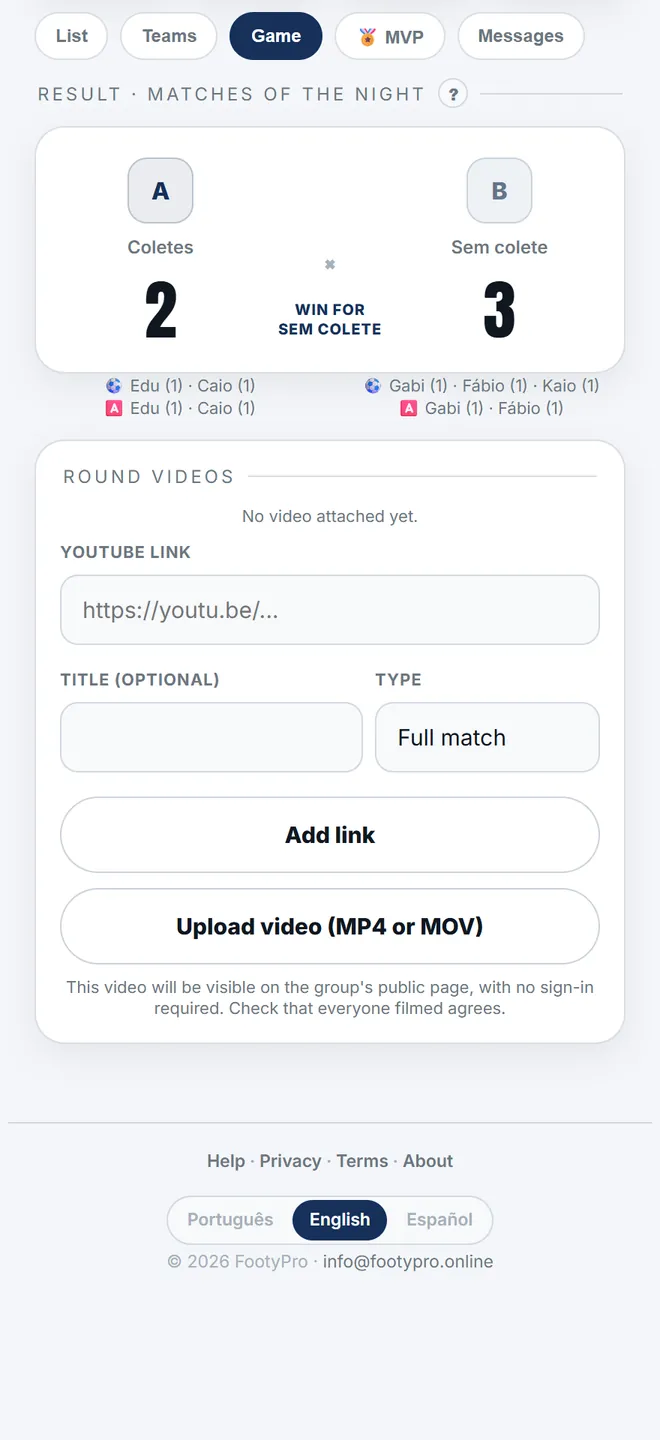
1. The video panel sits on the matchday's Game tab, and takes either a YouTube link or an uploaded file.
-
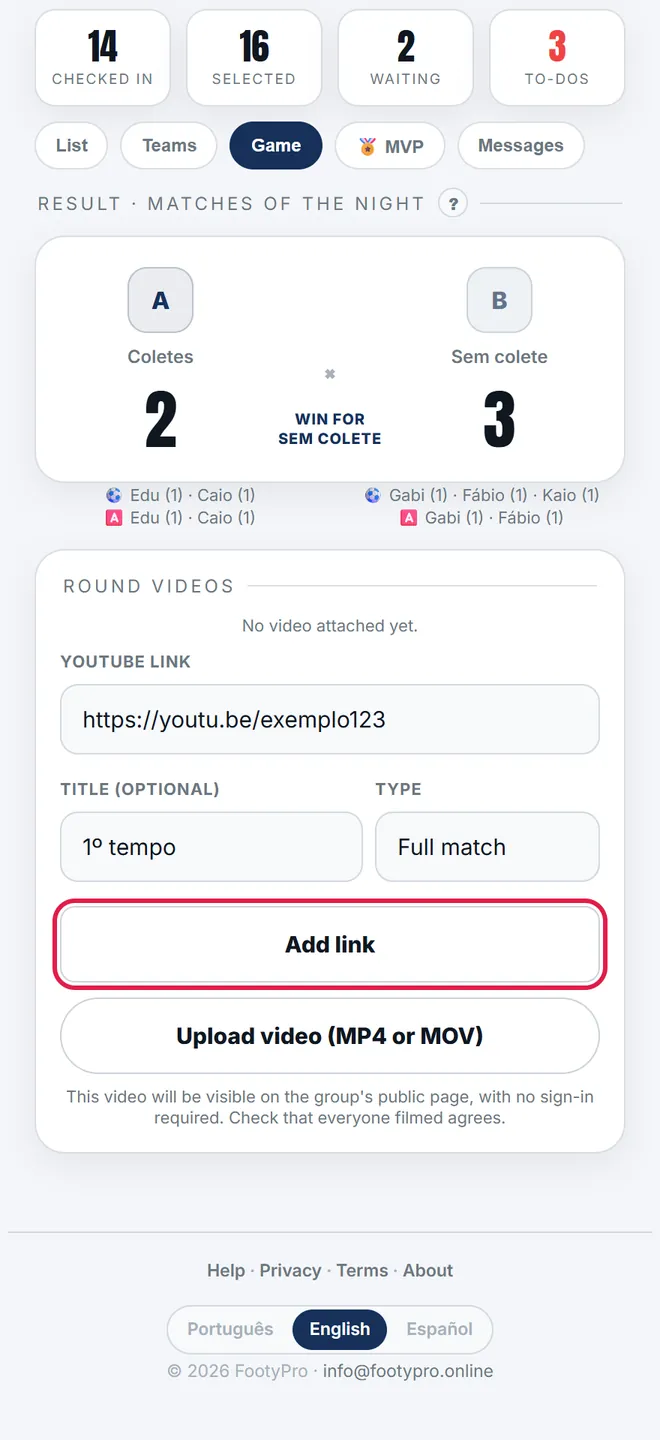
2. Paste the link, give it a title (First half, Full game) and hit Add link. You can add as many as you like.
The catch: with no saved line-up, the link doesn't open
The round's public page only exists once you save the line-up. Attach the video before that and the link you drop in the group leads to a not-found page — and the screen warns you in red when that is the case.
Where the group sees it
- Round page: one big player with the main video and thumbnails for the rest. With a single video, it is just the big player.
- Games list: the round gets a 🎥 badge (with the number, if there is more than one).
- Home: the latest round's video shows on the last-match card. A video on an older round is announced by the list badge, not there.
- The WhatsApp result message already ends with that page's link — no need to send a separate one.
The YouTube link was rejected.+
youtube.com/watch?v=…, youtube.com/shorts/… and youtu.be/…. A playlist, channel or third-party shortened link won't do — open the video and copy its own address.