 Footy
FootyClosing the season
Check the final table
Closing archives the season as-is — the final picture for your awards night.
📍 Dashboard → StandingsClose it
The current season becomes ARCHIVED and the next one is created automatically (next year, Jan–Dec).
📍 Dashboard → Seasons → CloseDecide on credits
By default balances carry over. If your group resets at rollover, tick the option — the app records a traceable per-player settlement.
- Standings: reset by construction — the new season's table starts empty; the old one stays in history.
- Priority: ROLLS OVER — streaks, misses and no-shows cross the new year. Loyalty is behaviour, not calendar.
- Credits: carry over unless you ask to reset (a traceable adjustment, not a wipe).
- Old matchdays never change: their points stay frozen as played.
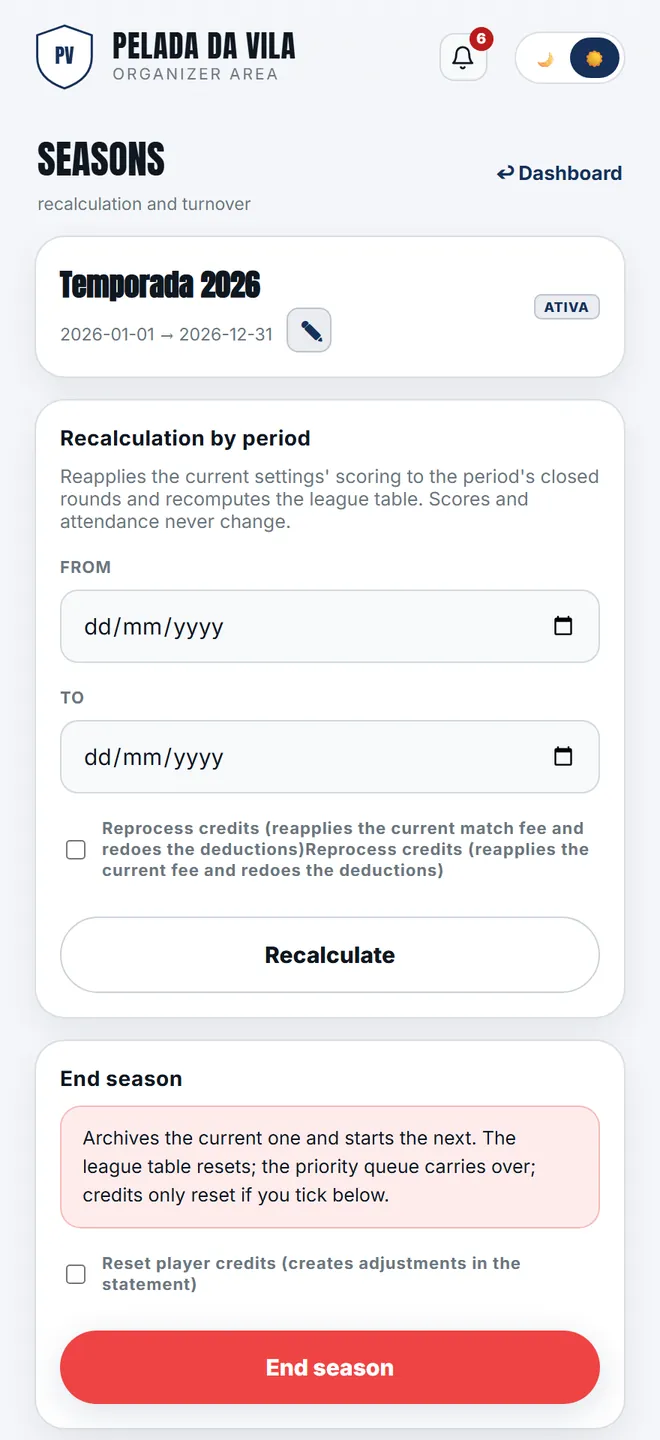
Recalculating a period and closing the season organiser
-
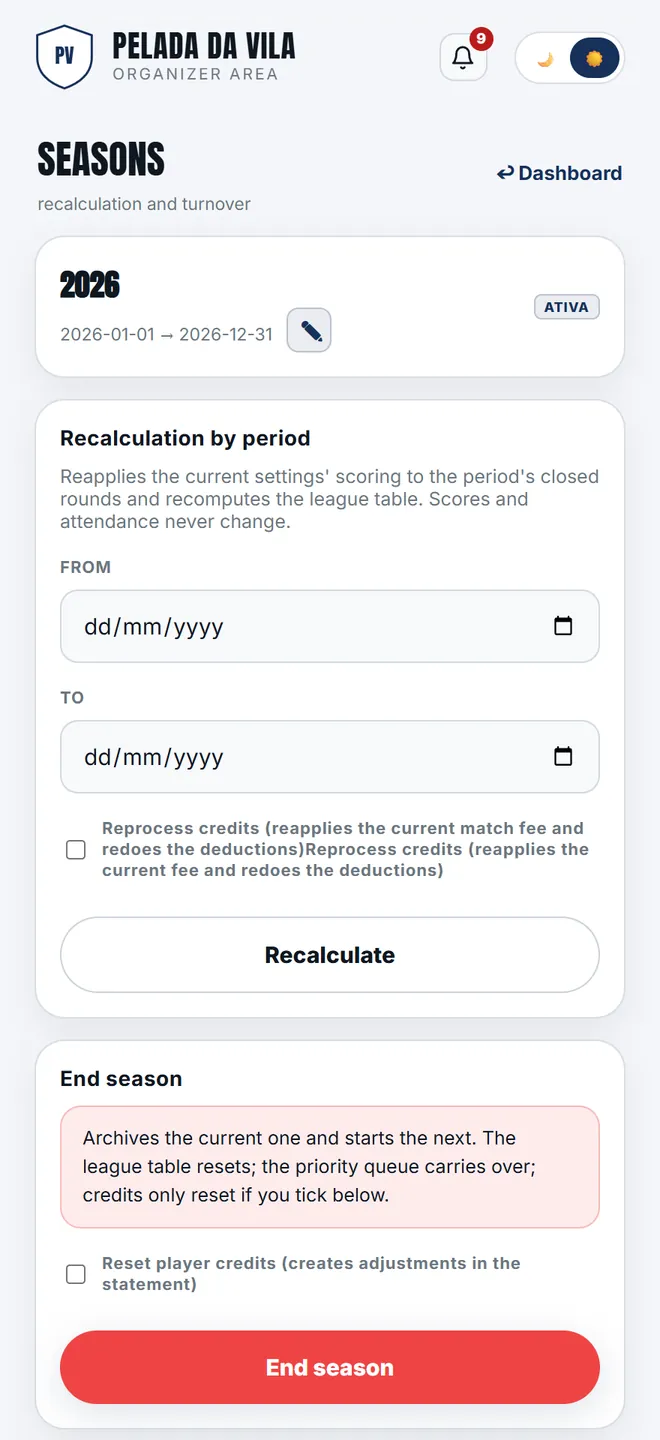
1. The list of seasons: the active one on top, the archived ones below, with their history intact.
-
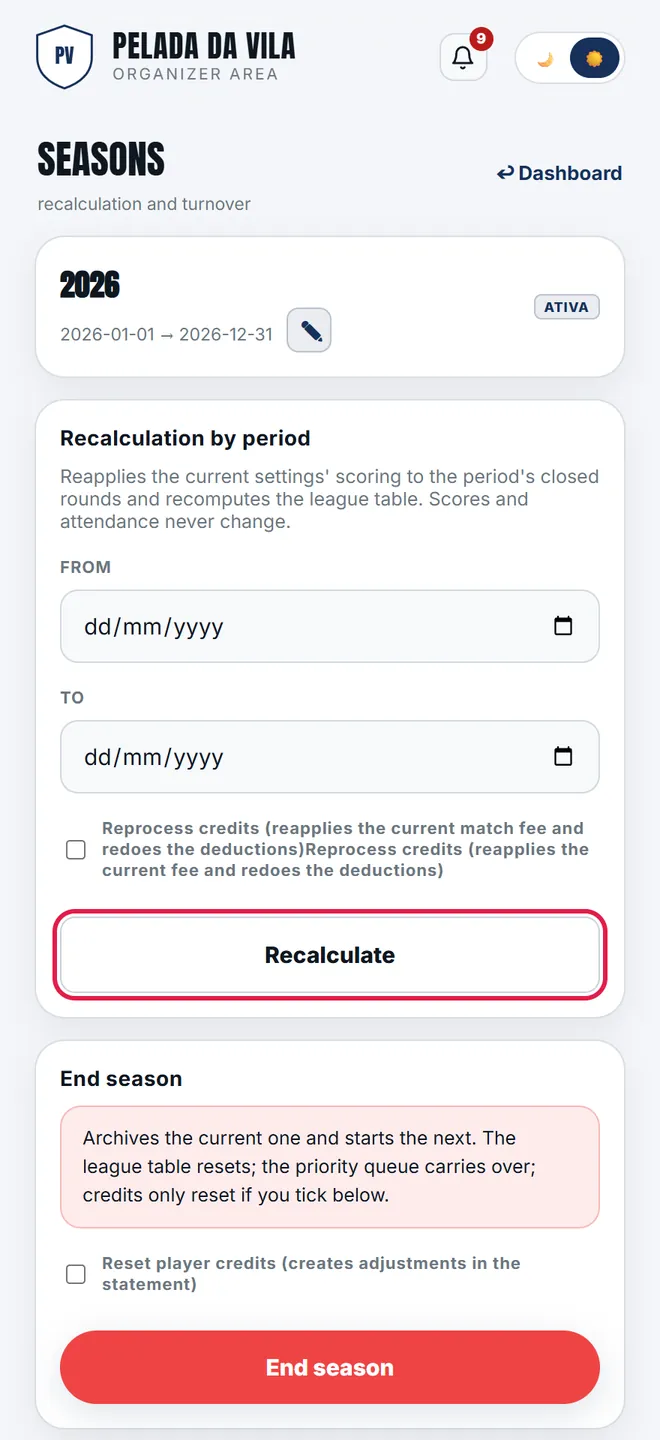
2. Period recalculation rewrites the snapshots of the matchdays between two dates — that is how a scoring change applies backwards.
-
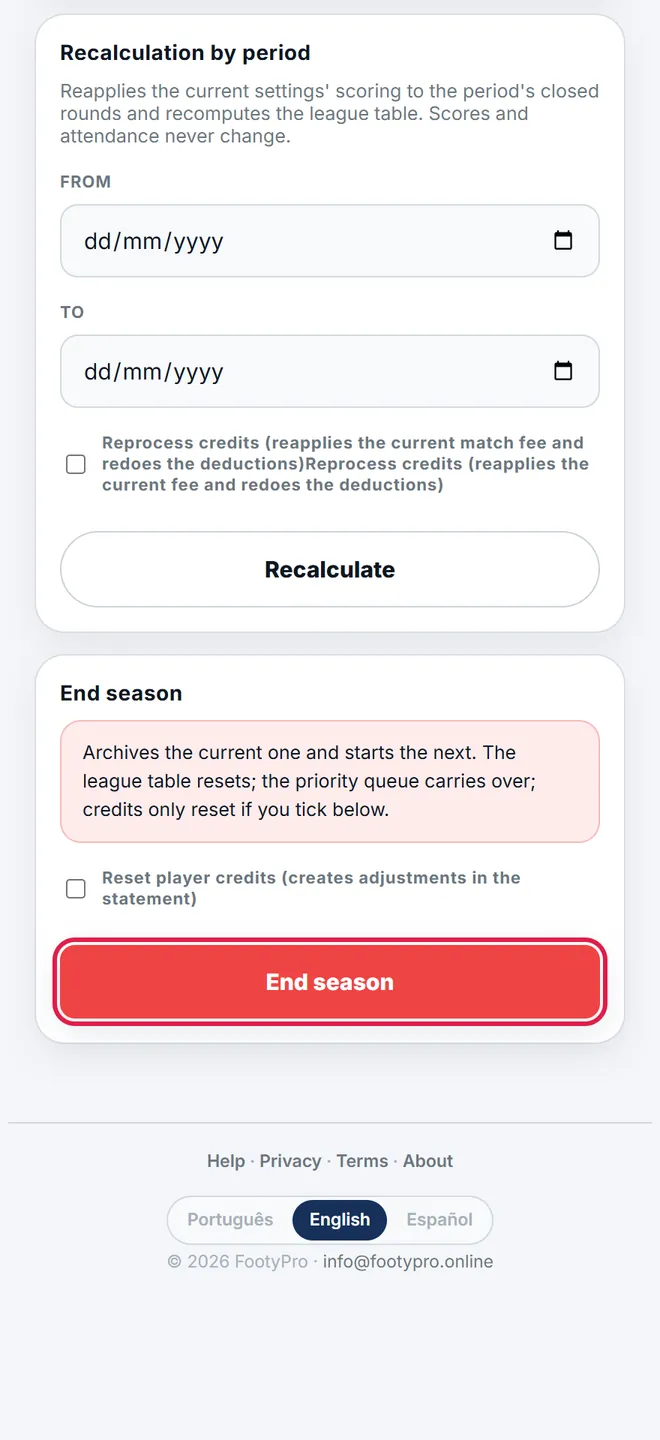
3. Close archives the season and opens the next one. Priority rolls over; credits are only zeroed if you tick the box.
Period recalculation
Changed the scoring (say a win from 3 → 2 points) and want it backwards? Recalculation rewrites the frozen scoring of closed matchdays in your chosen period — and optionally reprocesses fees (refund and re-apply). It never touches scores or attendance, and respects hand-adjusted fees.