 Footy
FootyHow it works
FootyPro never sends messages: it builds the text, you copy with one click and paste into the group. Texts regenerate live: change an attendance and the next copy is already up to date.
Call-up
Date, venue, time, fee + the lists: keepers, numbered outfield, waiting list. Unfilled spots are numbered as "(open spot)", up to capacity. ✅ marks check-ins. Under loyalty, each name carries "(N matches on priority)" — other policies drop the suffix, since order comes from the actual queue.
📍 Round → Messages → Call-upTeams
A short card with the night's fixture ("Bibs × No bibs") and the link to the matchday page, where the line-up is drawn on the pitch with photos and positions.
📍 Round → Messages → TeamsResult
One line per game with the score. A single game gets "X wins!" or "It's a draw!". Scorers left the text and now live on the matchday page, under each fixture.
📍 Round → Messages → ResultMVP of the night
A short card announcing the ballot and taking people to it in the app. This is the recommended route: the vote is identified and the count is locked server-side.
📍 Round → Messages → MVP of the night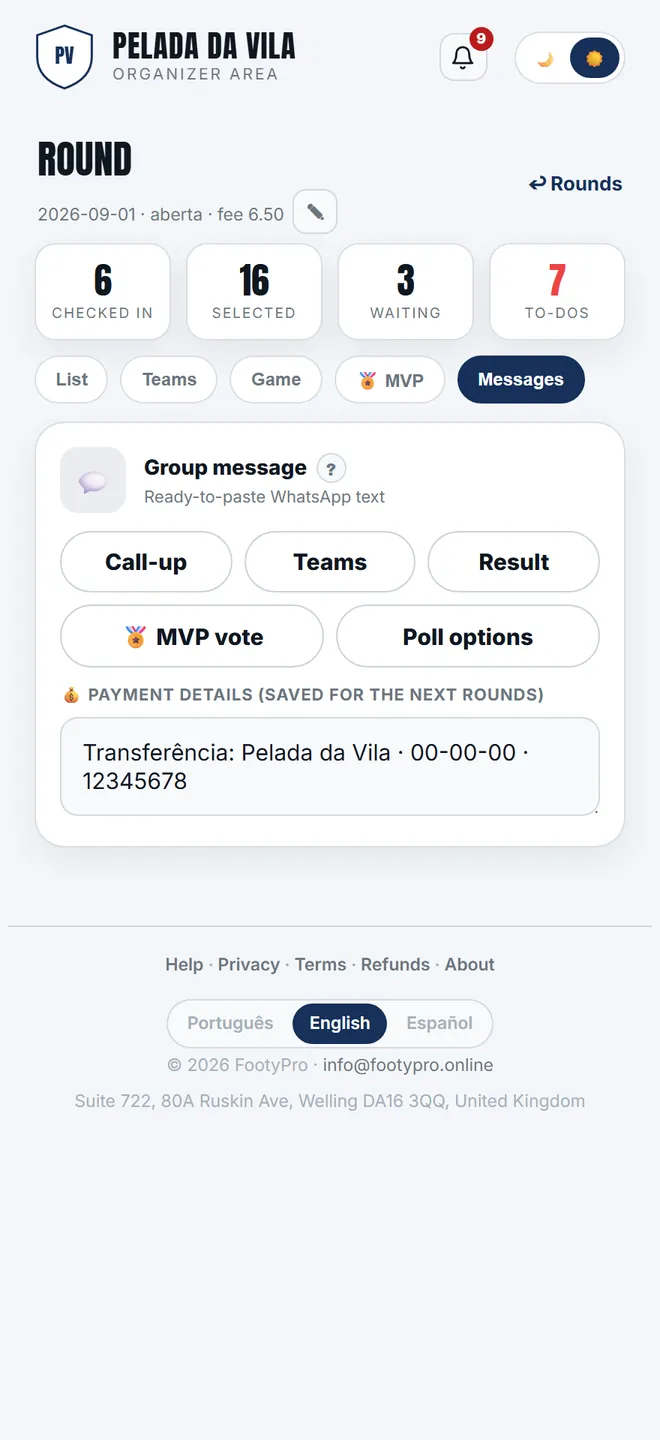
Building the text to paste in the group organiser
-
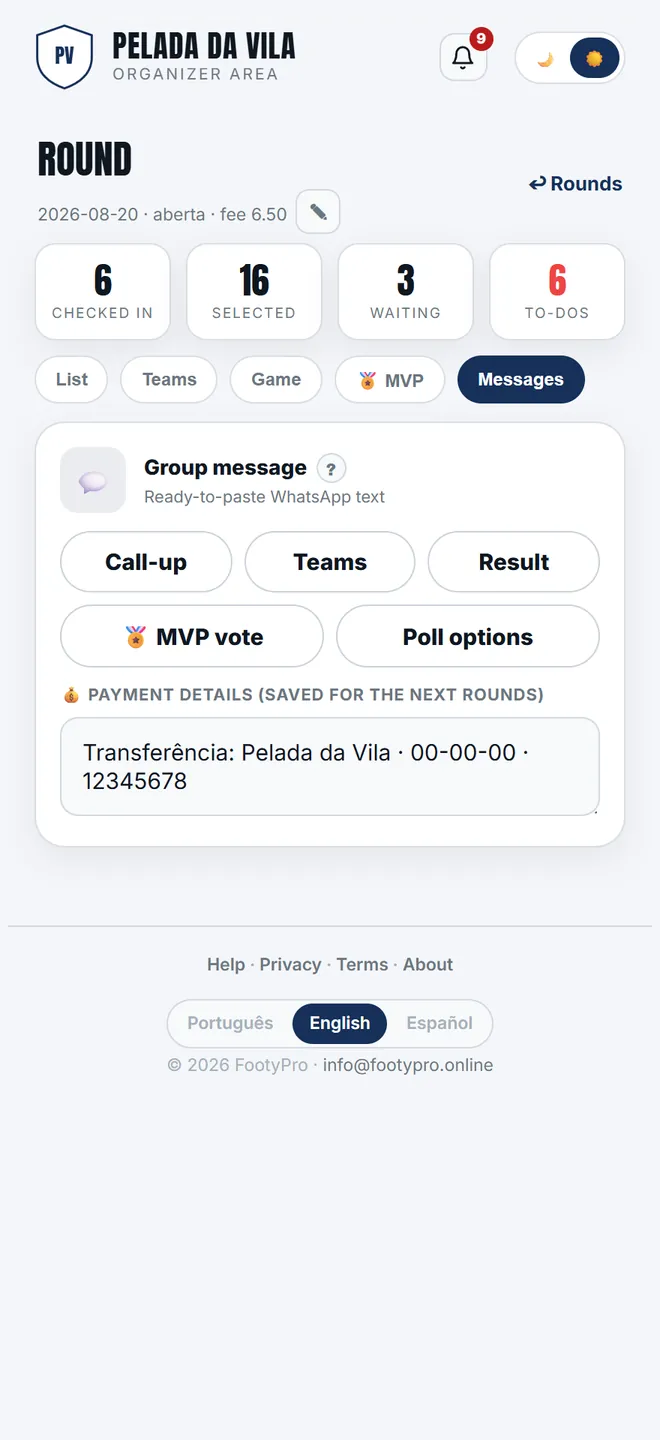
1. The Messages tab holds the ready-made texts: call-up, teams and result. The app sends nothing — it writes, you paste.
-
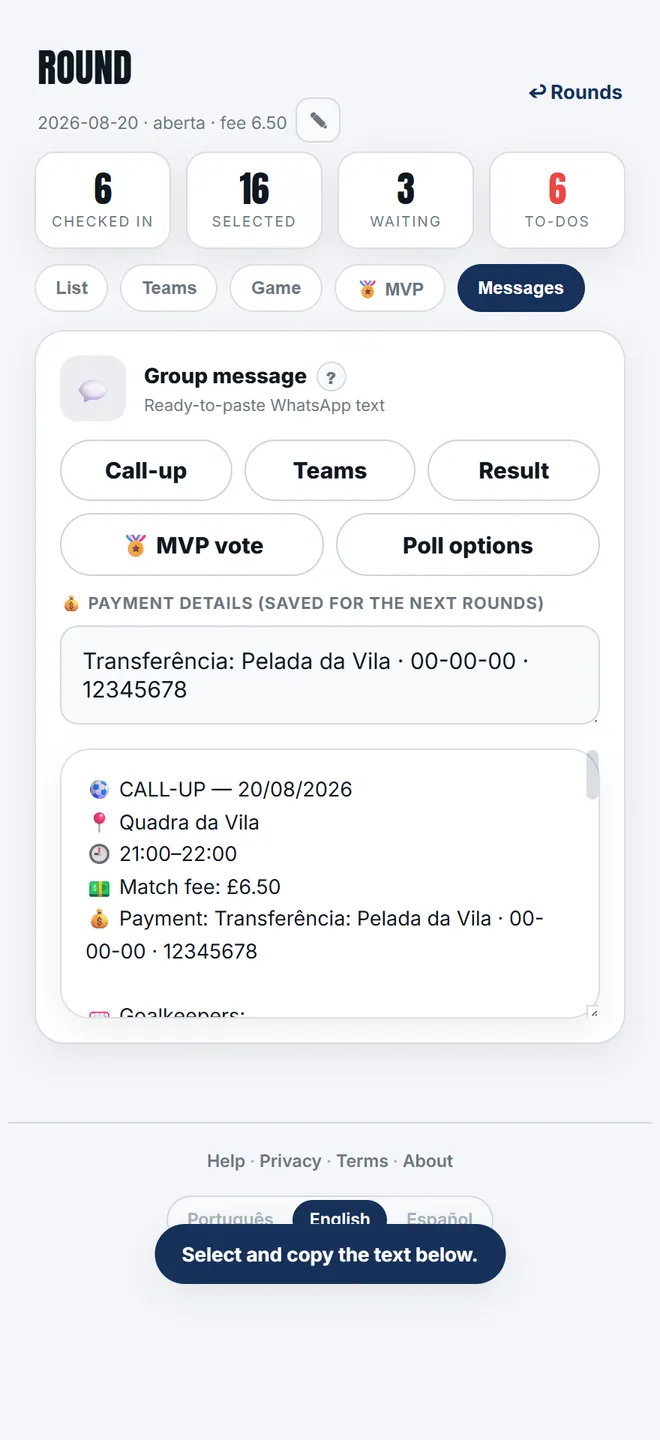
2. The call-up comes out with venue, time, match fee and the list in queue order. Payment details are not in it.
-
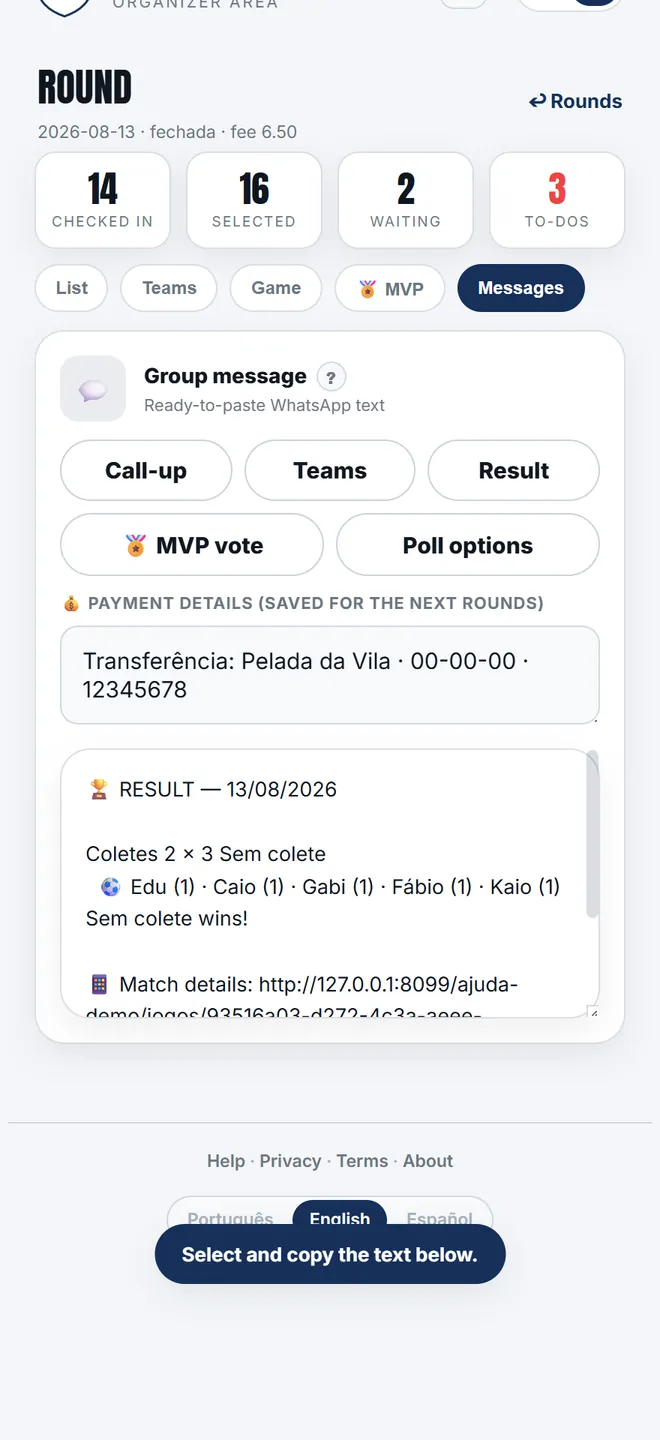
3. After the game, Result brings each fixture's score, the scorers and the link to the matchday page.
- Every message ends with a link to the SAME page — the matchday page — each one at the right part of it: attendance, teams, result or MVP. Group clicks land straight on the topic (and show as WhatsApp traffic in your measurement).
- Under monthly billing the call-up says "Fee (casuals)" — charging regulars per game would be a lie.
- Before pasting you can Edit the preview: the change only applies to that round (kept in this browser until the tab closes) and Restore default text brings the original back. Copy message copies exactly what the preview shows; Share on WhatsApp just opens WhatsApp with the text — you pick the group and send it. Payment details have their own card and copy button.
- MVP candidates = present players in the saved line-up.