FootyPro › Football attendance tracker
Attendance and priorityCounting names inside 200 chat messages is the worst job of the week — and the one that starts every argument. Here the list builds itself, on a written rule, and whoever missed out knows exactly why.
Free to start. No card.
It is not bad faith: it is the lack of a rule.
The yes disappears into the chat, two drop out, one comes back — and the final count is always done by whoever bothered to check.
The regular of two years loses out to whoever saw the message first, and there is no way to explain that without sounding unfair.
You are short a keeper and long an outfielder — but it is one list, so nobody notices until you are at the pitch.
The spot opens at seven and the waiting list finds out after the game, when somebody mentions it.
Loyalty: the longest run of appearances goes in; missing without warning pushes you down. First-come: whoever replied first, by timestamp. Manual: your order, with arrows to move people up and down.
The loyalty rule is written and ordered: run of appearances, then unexcused absences, then how long they have been in the group, then your own tie-break — and only last of all, the alphabet.
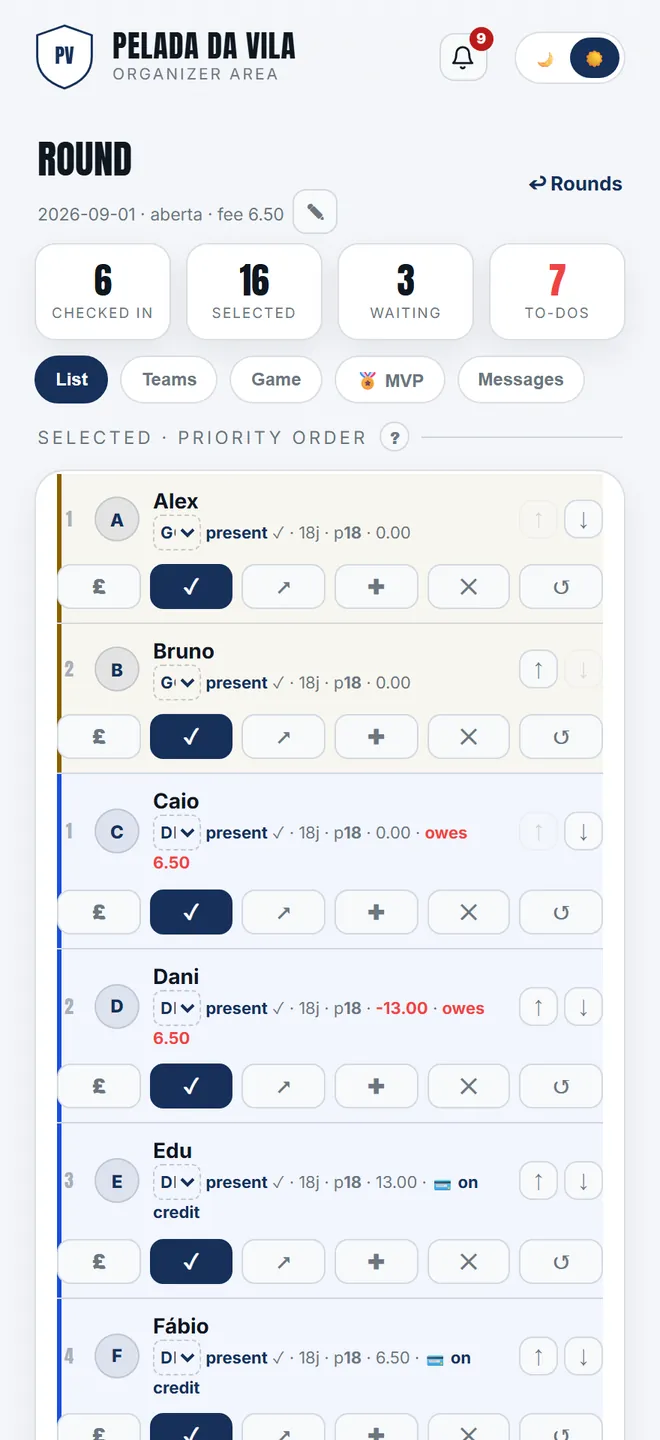
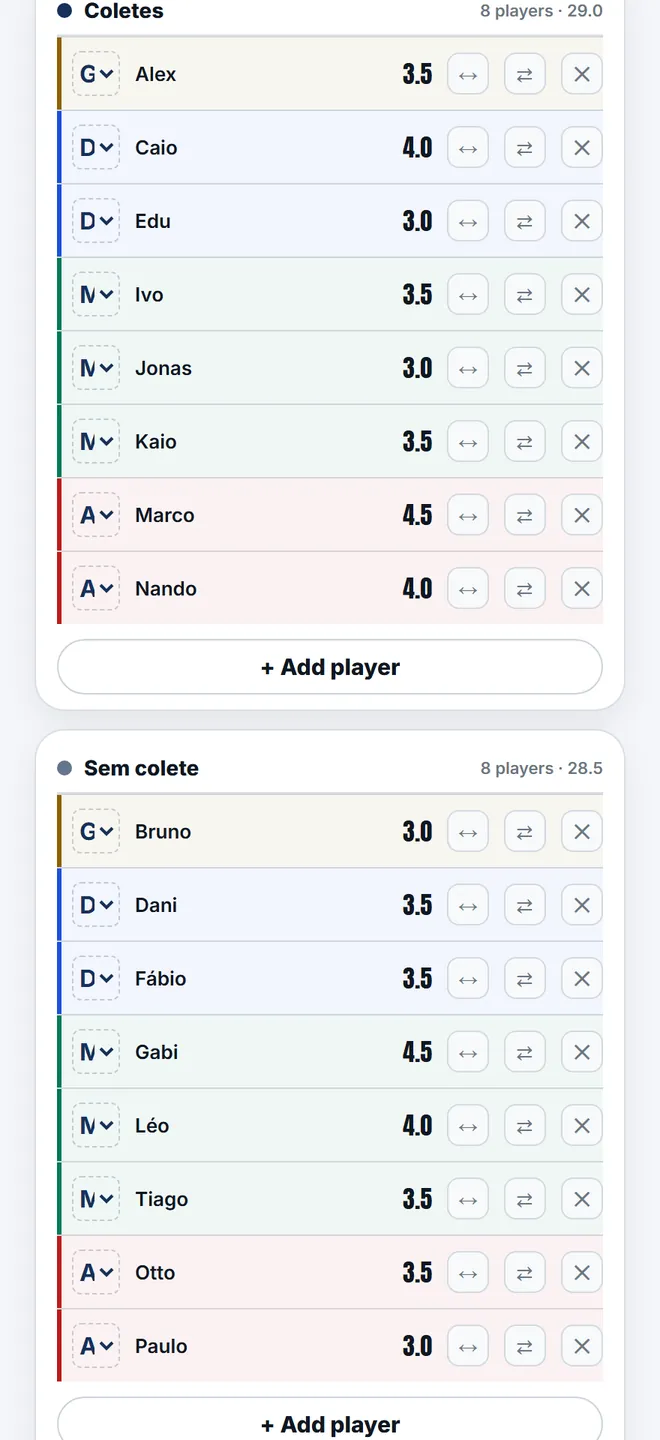
A keeper spot is never taken by an outfield player, and the other way round. Both queues count on their own, and the screen shows how many spots are left in each.
And who goes in goal is decided on the night: an outfielder can take the gloves for that round without touching their profile.
When a spot opens, the first in that queue takes it on their own. If they had already checked in, they go straight to present.
Whoever said yes and did not fit is not turned away: they wait in the right position and move up when a spot appears.
A player opens a link, sees the list and answers “I'm in / I'm out”. Nothing to install, and it is free forever.
If you would rather mark it for them, you still can — both work together, and the check-in on the day is yours.
Everything below is live today. Nothing here is a roadmap promise.
Creating the round builds the list by the chosen rule, with the number of spots that night's format allows.
Help →Automatic promotion when a spot opens, in the right queue, with nobody having to notice.
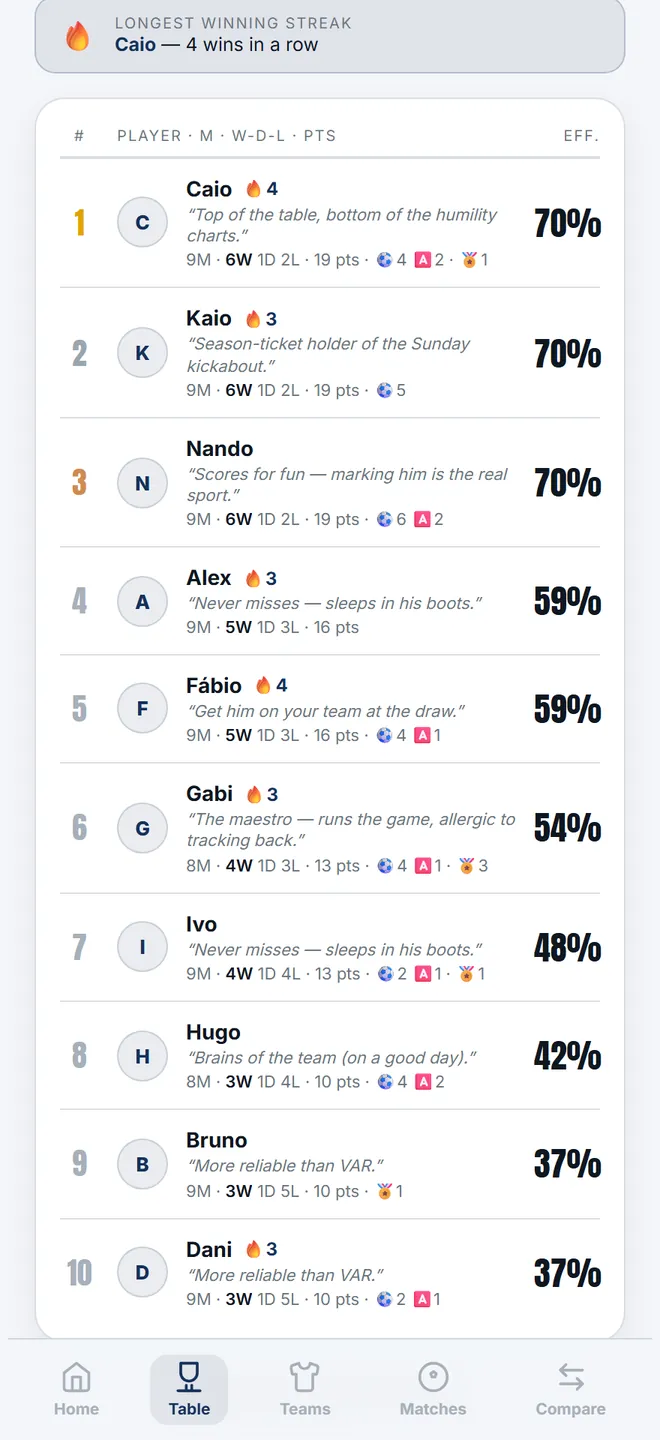
Help →Mark who turned up, one by one or in bulk. That is the check-in the table and the stats count.
Help →Whoever vanishes without warning picks up an absence and drops down the queue next time — the rule does it on its own.
Help →Optional: whoever owes for N closed rounds stops being called up, and the spot goes to the next in line.
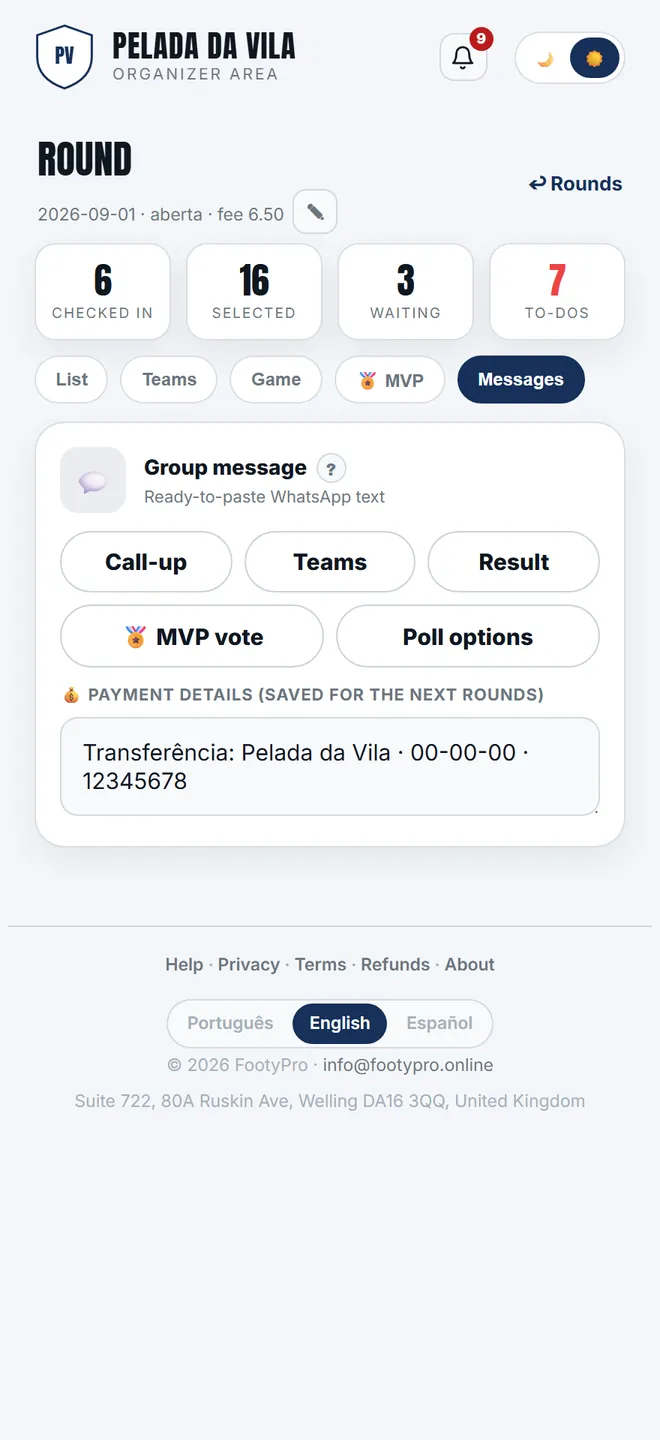
Help →Venue, time, fee, who's in and who waits — as text to copy and paste. We never send anything ourselves.
Help →Loyalty, first-come or manual. You can change it later — each round keeps the rule that applied on the day.
The list arrives built, with keeper and outfield spots counted separately and the waiting list already in order.
Then let it run: replies go in, drop-outs free the spot, and the waiting list moves up.
Everyone sees the list, the order and their place in the queue — there is no hidden criterion for the organiser to defend.
The same code runs a weekly game in London, with a full list and a waiting list every week.
Each group picks its language — and each person can read another.
Players need no account to see the list, and you can export everything whenever you like.
Yes. You can mark it for them and they can also answer themselves — both work together, and the check-in on the day stays with you.
In written order: run of appearances, unexcused absences, time in the group and, if still level, your own preference. The alphabet is the last criterion, not the first.
Keeper spots have their own queue and are never filled by an outfield player. You can also mark someone as keeper for that night only.
The spot opens and the first on the waiting list takes it automatically. If they had already checked in, they go straight to present.
Yes, and it is optional. You set how many closed rounds of debt trigger it; leave the switch off and nothing changes in the queue.
It does. Attendance and finances are independent — you can use just the list.
Set the list up once and let the rule do the work.
Create my group free Footy
Footy